Essentials | Welcome to uLearn!
We're excited to announce our new uLearn help site! This article will guide you through the features we’re most excited about as well as how to get you started.
Topics included in this article
What's new?
uLearn offers new features to help you and your team succeed!
- The help library now includes videos! You can identify videos in the search results by the "Video" tag.
- We've fine-tuned the search engine. Search results will display the most relevant articles based on the topic and keywords.
- The search bar will now recommend relevant articles as you type.
- Find and read trending articles! You can find the Trending Articles section throughout uLearn.
- Make software suggestions straight from uLearn!
Getting to uLearn
Website URL
- You can copy and paste the following URL to access uLearn from any Chromium or Chrome-based browser: https://por.force.com/essentialskb/s/
From Essentials
- Login to Essentials > Select the "Help" option from the top navigation bar.
Navigating uLearn
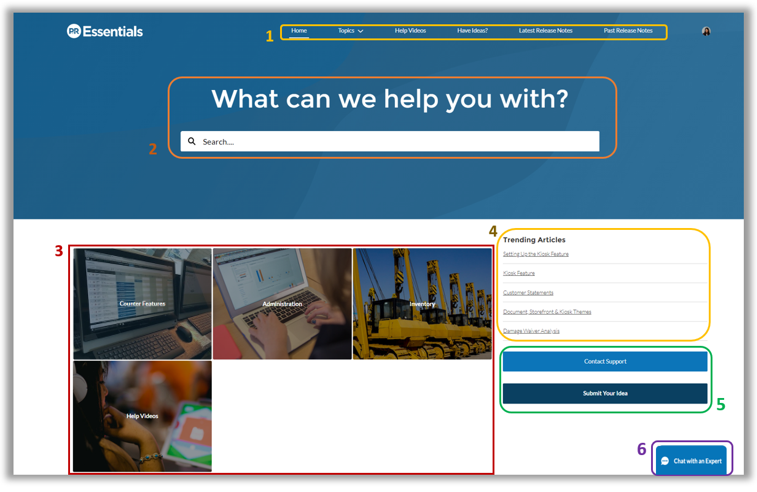
1 - Navigation Bar
Use the top menu bar to explore article topics and videos, and view release notes.
2 - Search Bar
Use the search bar to find helpful articles, videos, and discussion topics! As you type, uLearn will display suggested help content.
Once you press enter, search results will be displayed.
Additionally, you can hover over each article to preview it.
3 - Topics
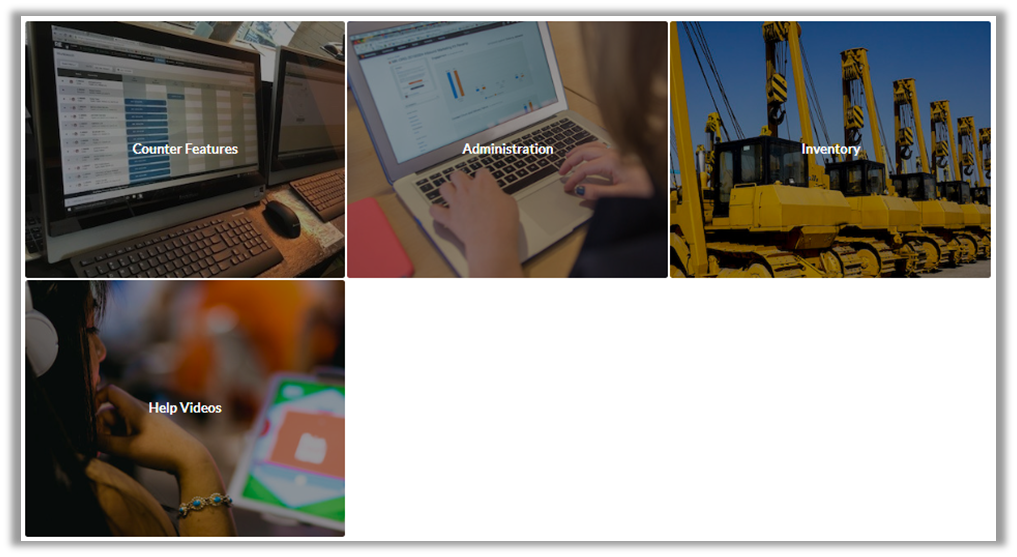
Use these options to browse help articles or videos related to a topic. You can choose from Counter Features, Administration, Inventory, and Help Videos. When you’re viewing an article above the title, you can click on the topic to find other related help articles.
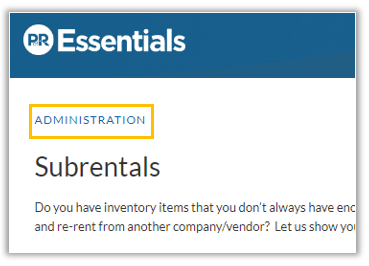
4 - Trending Articles
On the right-hand side, throughout uLearn, you’ll see trending articles. The articles with the most views will be listed.
5 - Contact Support
When you need to contact us, you can click on Contact Support. You’ll be taken to a new screen where you can submit your inquiry directly to our team.